Everything you need for QR cards and invitation pages
13
Pages created
9
Invitations and events
4
Branded microsites
Create a custom QR and invitation page that feels made for your guests.
Launch your page in minutes, give guests a polished first impression, and share everything through one elegant link and a ready-to-scan QR.
Sign in once to create QR cards, invitation pages, and share-ready microsites from your private workspace.
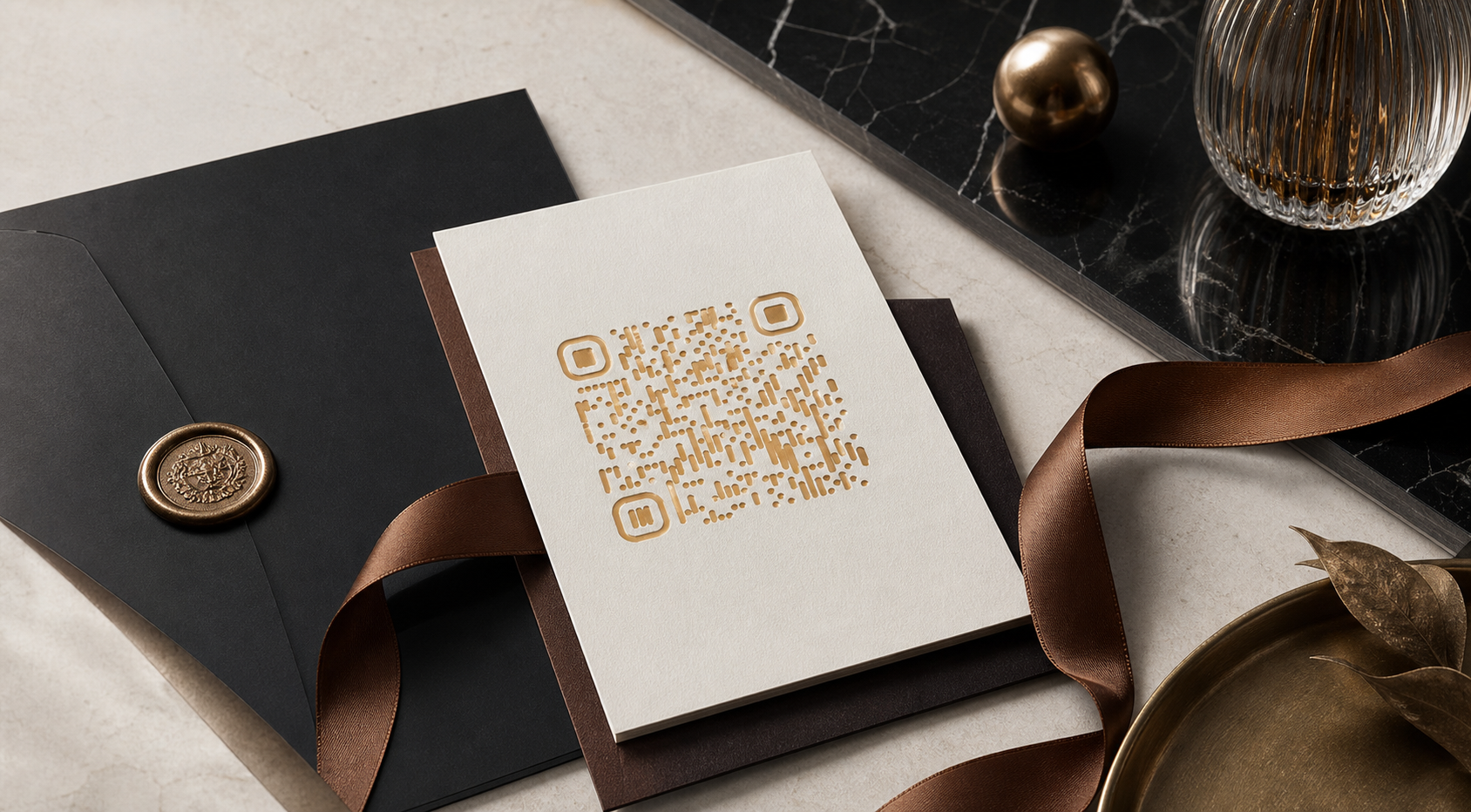
Luxury QR Card
Choose it when you want your page to give guests a warmer, richer, and more premium first impression.

Search-ready public pages
Each page targets a clearer use case and a clearer search intent.
QR invitation pages
Create polished QR invitation pages for weddings, launches, and RSVP-driven events.
Open pageEvent microsites
Launch event microsites with venue details, RSVP actions, QR sharing, and premium presentation.
Open pageWedding QR invitations
Launch elegant wedding QR invitations with RSVP-ready pages, venue details, and polished sharing.
Open pageRSVP pages
Build RSVP-ready event pages with clear calls to action, guest instructions, and QR sharing.
Open pageEvent QR cards
Create event QR cards for invitations, check-in, branded guest journeys, and printed sharing assets.
Open pageContact Aventador
Reach Aventador and the NoxusAI team for QR invitations, event microsites, and custom guest experiences.
Open pageAventador Guides | QR Invitations, RSVP Pages, and Event QR Cards
Explore Aventador guides for wedding QR invitations, electronic RSVP pages, and event QR card strategy with premium guest experience advice.
Open pageWedding QR invitation guide
Plan a wedding QR invitation page with RSVP, venue details, and a polished guest journey.
Open pageElectronic RSVP page guide
Understand what makes an RSVP page clear, fast, and mobile-ready for weddings and events.
Open pageEvent QR card guide
Use event QR cards more effectively across invitations, signage, private guest lists, and branded moments.
Open page
Built for your share moment
Every detail helps you present your invitation or QR with a premium, guest-ready finish.
Reference-Guided QR
Upload a visual reference and let your QR borrow its silhouette, palette, and overall art direction while staying easy to scan.
Wedding & Event Invitations
Create an RSVP-ready invitation page with the date, venue, dress code, host notes, and a QR that matches the event identity.
Branded Landing Pages
Build a polished mini-site in your own palette, with a clear call to action your guests or visitors can act on immediately.
Composed on Every Screen
Your full experience stays clean and polished on desktop and mobile, so the page always feels ready to share.
Reference-Guided QR
Upload a visual reference and let your QR borrow its silhouette, palette, and overall art direction while staying easy to scan.
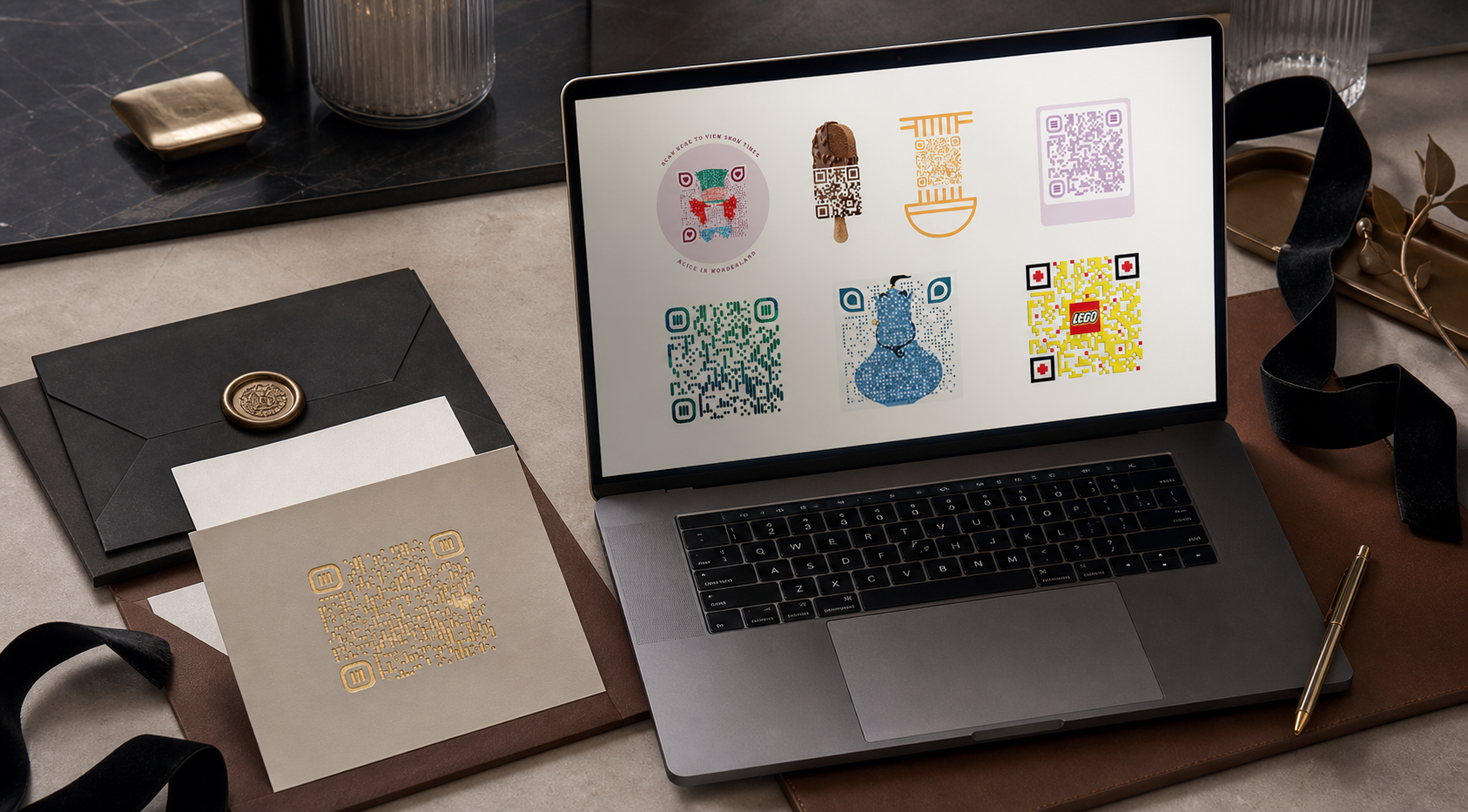
Branded Landing Pages
Build a polished mini-site in your own palette, with a clear call to action your guests or visitors can act on immediately.

Wedding & Event Invitations
Create an RSVP-ready invitation page with the date, venue, dress code, host notes, and a QR that matches the event identity.
Workflow
Choose the format, shape the look, and share a result that already feels finished.
Choose the use case
Start with a classic QR, a reference-guided QR, an invitation page, or a branded microsite.
Shape the identity
Adjust the colors, copy, mood, and CTA, and add a reference image if you want the QR itself to follow a visual direction.
Share instantly
Publish the page, download the QR, and share a result that feels tailored instead of generic.